

Mobile App Design
Delivery Time
Depend on task
Responsibility
Assign Manager
Developer
In House Team
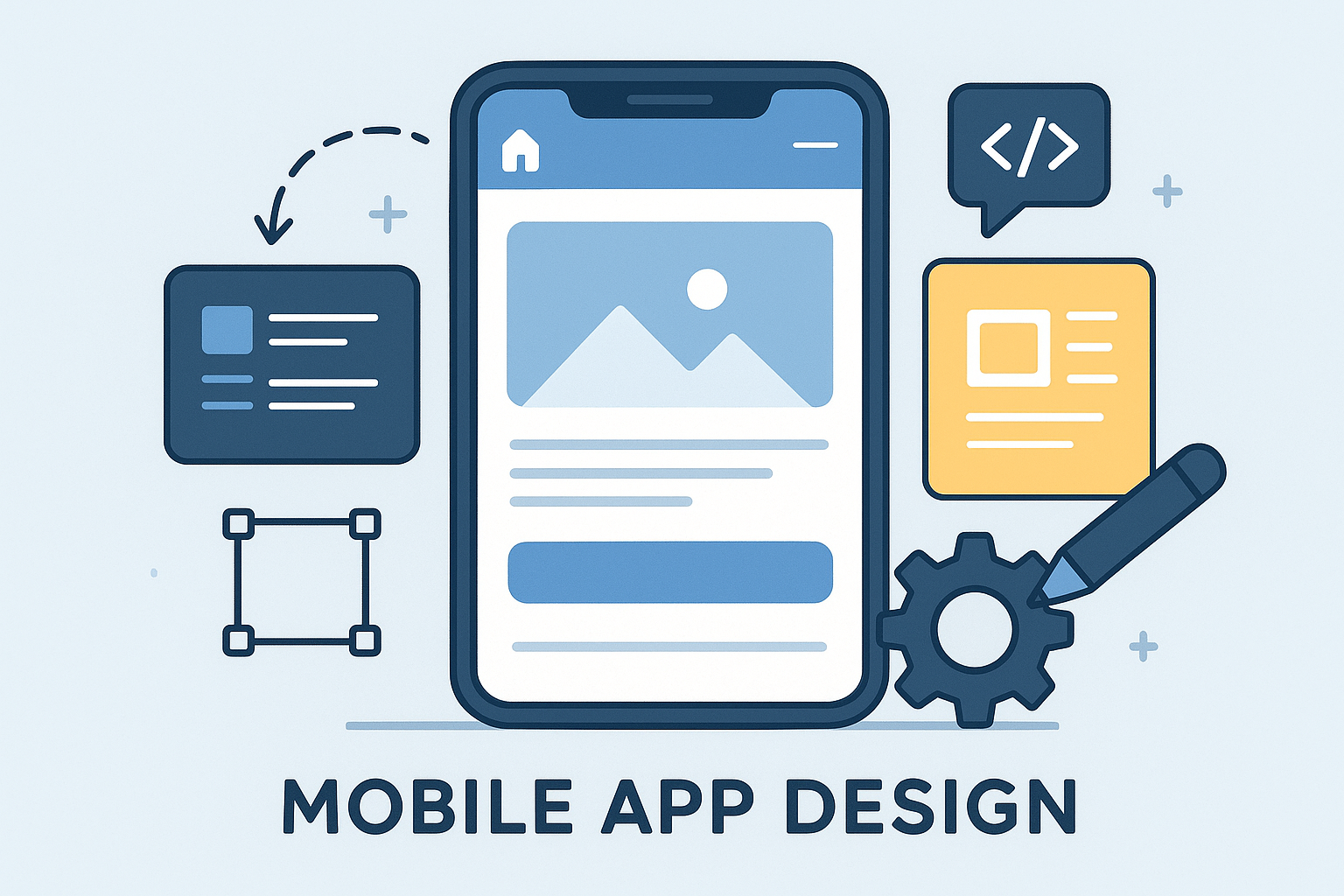
Mobile App Design is the process of creating user-friendly and visually appealing interfaces for mobile applications. It focuses on providing a seamless experience for users on smartphones and tablets, ensuring that the app is not only functional but also engaging.
Key Elements of Mobile App Design:
1. User-Centric Approach:
- The design process begins with understanding the needs and preferences of your target audience. This ensures that the app meets user expectations and provides a satisfying experience.
2. Intuitive User Interface (UI):
- The UI is the visual part of the app that users interact with. A well-designed UI is simple, clean, and consistent, making it easy for users to navigate the app. This includes thoughtful placement of buttons, icons, and menus.
3. User Experience (UX) Design:
- UX design focuses on the overall experience users have while using the app. This includes making the app easy to use, reducing friction in navigation, and ensuring that users can accomplish their goals efficiently. Good UX design can lead to higher user satisfaction and retention.
4. Responsive Design:
- Mobile apps must perform well on a variety of screen sizes and orientations. Responsive design ensures that the app looks and works well on all devices, whether it’s a smartphone or tablet.
5. Visual Aesthetics:
- The look and feel of the app are crucial for attracting and retaining users. This includes choosing the right color schemes, typography, and imagery that align with your brand identity while also appealing to users.
6. Performance Optimization:
- A well-designed app not only looks good but also performs smoothly. Design considerations include optimizing load times, ensuring quick responses to user interactions, and minimizing resource usage.
The Design Process:
1. Research and Discovery:
- We start by researching the market, understanding user needs, and defining app requirements.
2. Wireframing and Prototyping:
- Creating wireframes allows us to outline the app's structure and functionality. Prototypes provide a tangible representation of the app that can be tested and refined.
3. Visual Design:
- This phase focuses on creating the visual elements of the app, including the color scheme, typography, and overall aesthetic.
4. User Testing:
- We conduct user testing to gather feedback on the design. This helps identify any usability issues and areas for improvement.
5. Iteration and Finalization:
- Based on user feedback, we iterate on the design, making necessary adjustments before finalizing the app’s design.
Benefits of Professional Mobile App Design:
- Improved User Engagement: A well-designed app encourages users to interact more, leading to higher engagement and retention rates.
- Enhanced Brand Image: Professional design reflects your brand’s values and professionalism, helping to build trust with users.
- Increased Conversions: An intuitive design can lead to higher conversion rates, whether that means making purchases, signing up, or completing other desired actions within the app.
- Competitive Advantage: A thoughtfully designed app stands out in a crowded market, attracting more users and helping you achieve your business goals.